10 Best Free Caption Generators for Video (2026)
By Rachit Bhatia — 8 min read
August 16, 2026
Want video captions without paying for a subtitling service or typing everything by hand? In 2026, AI caption generators are accurate enough to do roughly 95% of the work for you. The downside is that “free” varies wildly between tools: some give you unlimited captions on short clips, others put a watermark on exported videos, and a few silently cap your usage at just a few minutes each month.
This guide clears up the confusion. Below are the best free tools for generating captions straight from your video in 2026, what their free plans actually cover, and which one to choose for your use-case.
The short version
- CapCut is the only tool here that’s free without an asterisk: no watermark on captions, no time cap, no card required.
- CentClip isn’t trying to be the free option: 5 free minutes, then 5 cents a minute, no subscription, no watermark ever, at any tier.
- Canva bundles a free caption generator into its existing free plan, if you’re fine working inside Canva’s editor to get there.
- Everything else (VEED, Kapwing, Submagic, Zubtitle, Descript, HappyScribe, Rev) is free in the sense that a gym membership’s first class is free. Useful for one video. Not a workflow.
What “free” means on each of these
Every roundup we read leads with a feature checklist: languages, export formats, styling options. Buried lower down, or missing entirely, is the number that decides whether you can use the tool more than once: what happens to your export the moment the free allowance runs out.
We found three flavors of “free,” and they are not the same offer:
- Genuinely free. No watermark, no meaningful cap. CapCut is the only tool on this list that qualifies without a footnote.
- Free with a leash. A specific number attached — a minute cap, a monthly video count, a credit balance — after which you hit a watermark or a paywall. This is most of the list.
- Free trial. A one-time allowance meant to get you to sign up for a paid plan, not an ongoing free tier you can return to every month.
None of these are dishonest, exactly. They’re just described the same way in marketing copy, which makes the actual comparison harder than it should be.
The 10 tools, compared
| Tool | Free tier | Watermark on free exports? | Languages | Best for |
|---|---|---|---|---|
| CapCut | Unlimited captions, no time cap | No | 30+ | Genuinely free, no strings |
| CentClip | 5 free minutes, then 5¢/min | Never, at any tier | 50+ | Occasional captioning without a subscription |
| Canva | Free within Canva’s free plan | No | 50+ | Creators already designing in Canva |
| HappyScribe | 30-minute trial | No, during the trial | 150+ | A one-time multilingual test |
| Rev | Free SRT generator, rate-limited | No | 37+ | A clean SRT file, nothing else |
| Descript | 1 hour/month | Yes, above the free plan’s export limit | 26+ | Podcast/long-form editors, occasionally |
| VEED | 10 min/upload | Yes | 100+ | A single quick test before deciding to pay |
| Kapwing | Roughly 10 caption minutes | Yes, above that | 70+ | Short social clips, tested once |
| Submagic | 1 free video, then paid | Yes, on the free video | 48+ | Trying the animated-caption style once |
| Zubtitle | 1 free video/month | Yes | 60+ | Occasional short-form posts, one at a time |
Free-tier limits shift often enough that we’d check each tool’s current pricing page before you commit a workflow to one. Figures above are current as of August 2026.
Ranked, one by one
1. CapCut
CapCut is the one tool on this list where “free” doesn’t need a footnote. Auto-captions are unlimited, unwatermarked, and available with no credit card. The one catch is that CapCut is built mobile-first, so the desktop experience is rougher than the browser-native tools further down this list. If you’re already editing in CapCut for other reasons, captions are free on top of everything else you’re doing.
2. CentClip
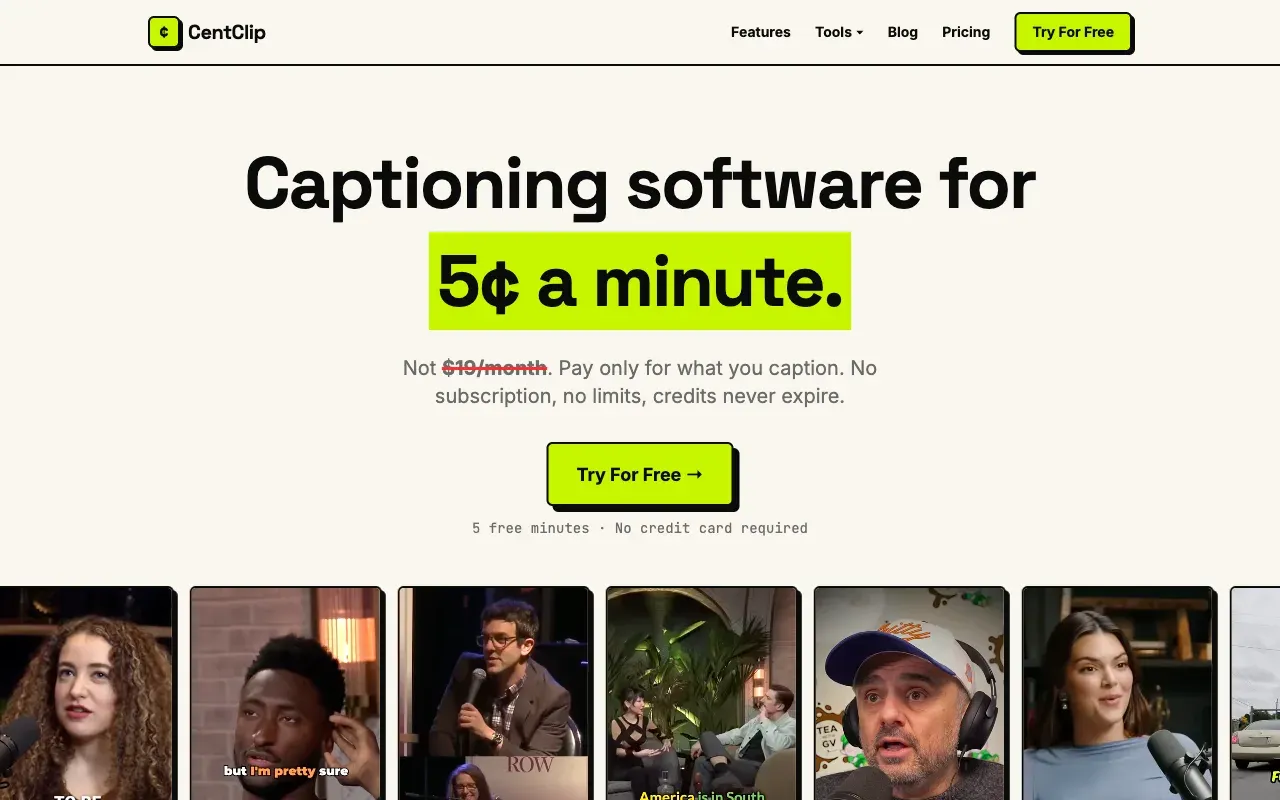
We’re not going to pretend CentClip is the free option on this list. It isn’t, and CapCut’s unlimited free tier beats it on price for anyone who never needs more than captions. What CentClip offers instead: 5 free minutes to start, no card required, and after that 5 cents a minute with no subscription and no watermark at any tier, free or paid. That matters if your captioning is bursty: a video this week, nothing for a month, three next week, because every subscription-based tool on this list charges you for weeks you don’t use.
The honest tradeoff: CentClip is captions-only, with none of the styling, editing, or animation features the dedicated editors below offer.
3. Canva
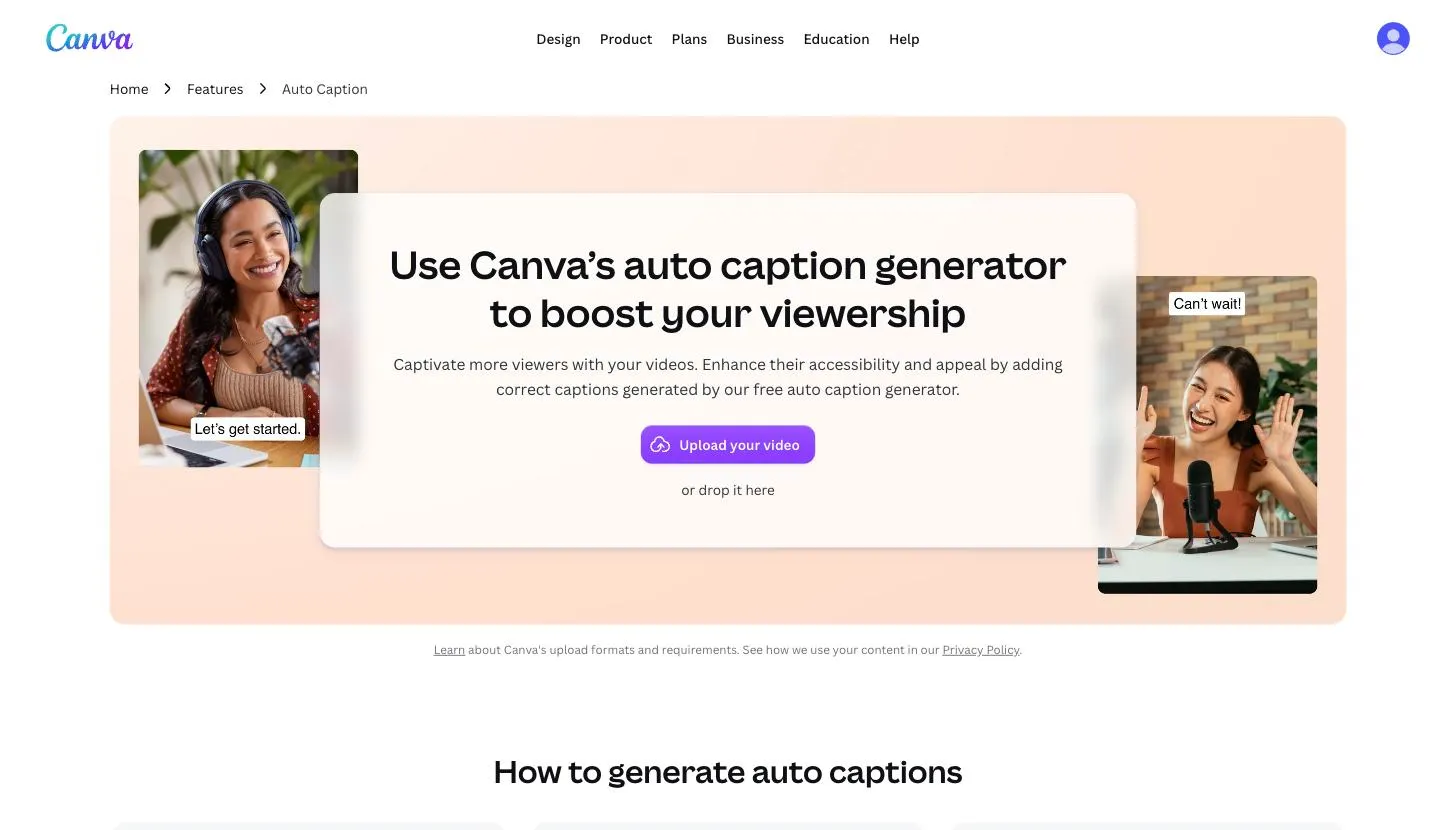
Canva’s auto caption generator is free on Canva’s existing free plan, with no separate paywall for the captioning feature itself, which puts it in rare company here. You upload a video, Canva transcribes it, and you style the result with Canva’s normal fonts, colors, and templates before exporting.
The catch is less about cost and more about fit: this only makes sense if you’re already comfortable working inside Canva’s editor. If you just want a caption file and nothing else, it’s a heavier tool than the job requires.
4. Happy Scribe
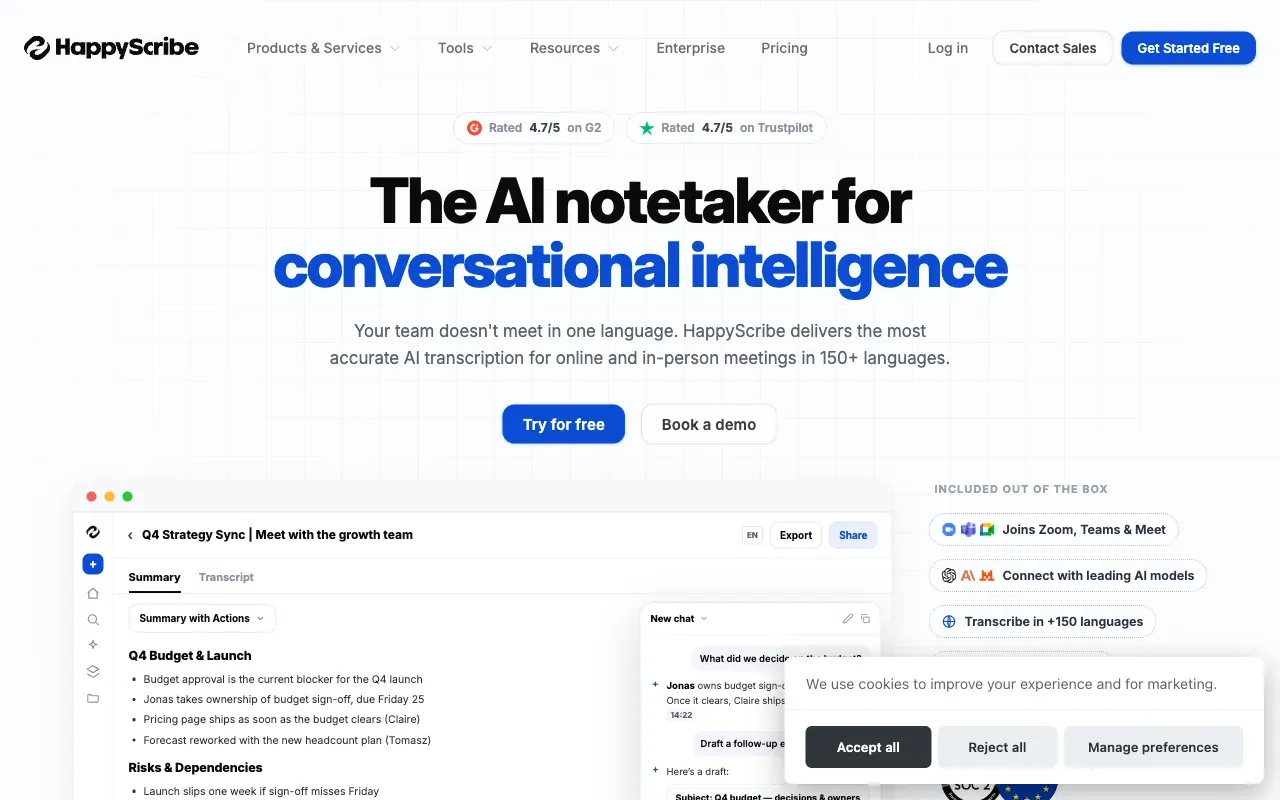
Happy Scribe’s free offer is a 30-minute trial, not an ongoing free tier. It’s the largest single free allowance on this list, and the widest language count at 150+, but it’s a one-time thing, not something you come back to every month. After the trial, pricing runs pay-as-you-go from around $12 for 60 minutes, or a $9/month plan.
If you need to caption something once, in a language most tools don’t bother supporting, this is the strongest free option here. If you need to caption regularly, the trial runs out fast.
5. Rev
Rev’s free AI-only SRT generator does exactly one job: upload a video, wait a few minutes, download a clean, unwatermarked SRT file. No editor, no styling, no burned-in export — just the caption file, rate-limited on the free tier. If that’s all you need, it’s hard to beat for zero cost.
Worth knowing: Rev’s homepage has shifted toward legal and enterprise transcription in 2026, with the per-minute captions product now living at a dedicated URL rather than the front page.
6. Descript
Descript’s free tier gives you an hour of transcription a month, which sounds generous until you realize it’s a shared monthly pool, not an allowance per video. For podcasters and long-form editors who transcribe by editing the text, that hour goes further than it sounds, since Descript’s whole workflow is built around editing video by editing the transcript.
Exports above the free plan’s limits carry a watermark, and language support (26+) is the narrowest on this list, worth checking before you commit if you work outside English.
7. VEED
VEED’s free tier caps uploads at 10 minutes and watermarks the export, which is enough to try the tool once, not enough to run a content calendar on. What you’re testing, though, is a capable full editor: 100+ languages, a large caption-styling library, and the kind of polish that makes it worth paying for if captions are one part of a bigger editing job you’re already doing in VEED.
Read the full CentClip vs VEED comparison →
8. Kapwing
Kapwing’s free auto-captions cap out somewhere around 10 minutes, watermarked above that. Sources on the exact number don’t fully agree, itself a sign these limits move around more than the marketing pages update. Where Kapwing earns a look is collaboration: shared workspaces and comment threads that matter if more than one person touches a draft before it goes out.
Read the full CentClip vs Kapwing comparison →
9. Submagic
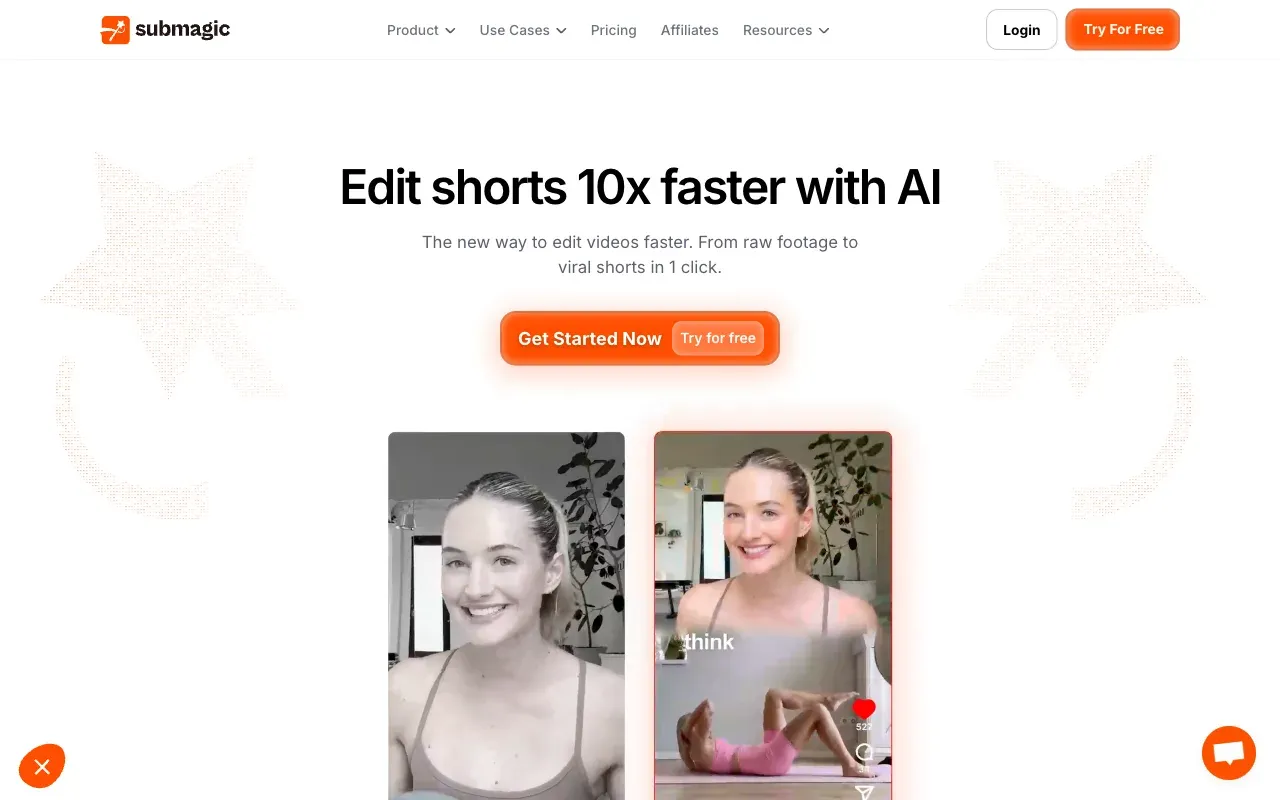
Submagic’s free tier is one video, full stop, watermarked. That’s enough to see whether its word-by-word animated caption style is worth paying for, and not much else. If TikTok-style animated captions are specifically what you’re after, it’s worth the one-video test. If you just want clean, readable captions, you’ll outgrow the free tier on day one.
Read the full CentClip vs Submagic comparison →
10. Zubtitle
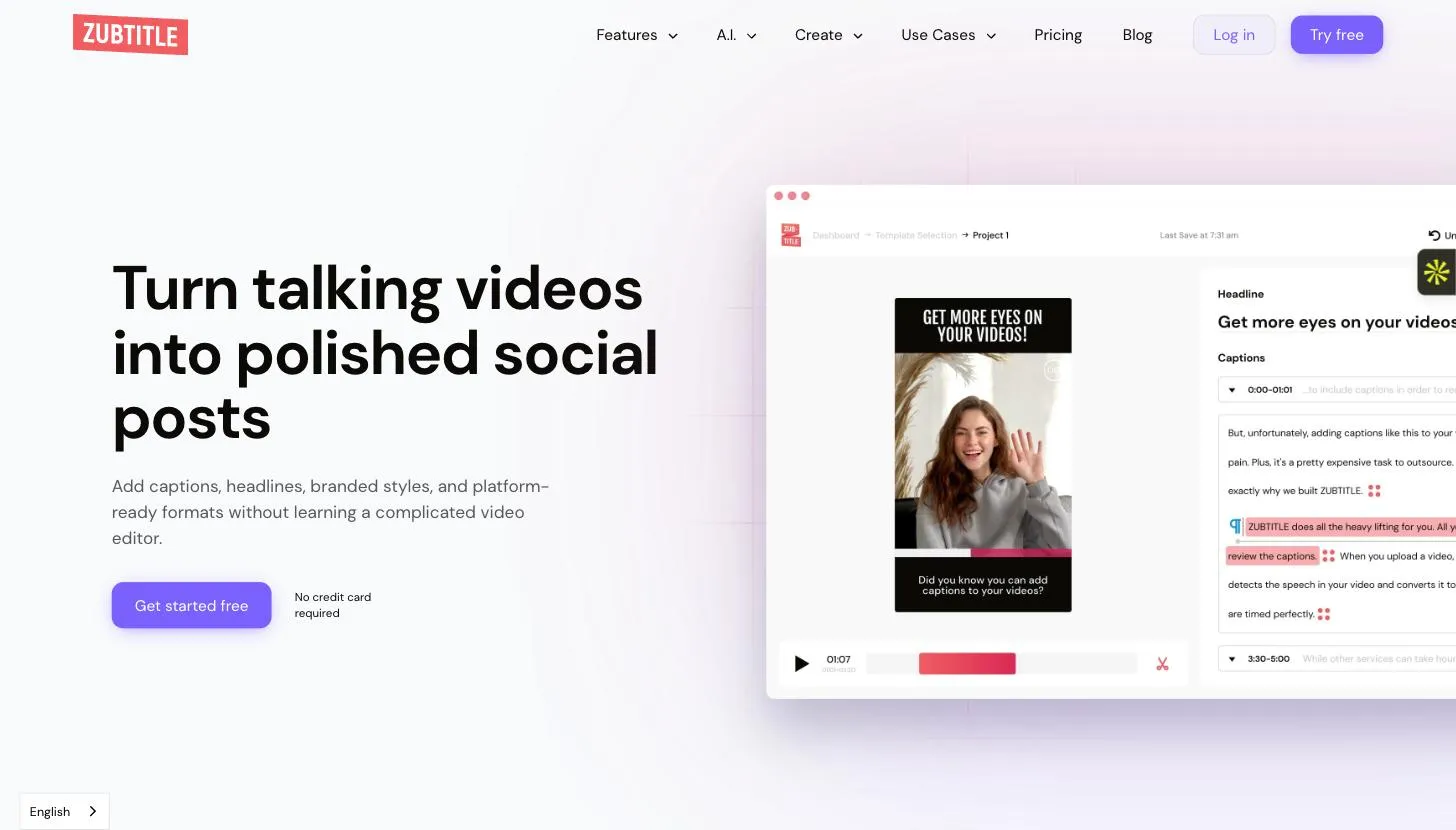
Zubtitle’s free tier resets monthly, at one video, watermarked, a slower drip than Submagic’s one-and-done, but still nowhere near enough for regular posting. It’s built specifically for short-form social clips, with resizing presets tuned for Instagram and TikTok, so the one free video a month is a monthly product demo rather than a usable free tier.
Which one should you use
- You want free and don’t want to think about it again: CapCut. Nothing else here matches it.
- You you don’t want a subscription: CentClip. Not free past 5 minutes, but never watermarked, and you only pay for what you caption.
- You’re already designing in Canva: use its built-in generator — no reason to add a second tool.
- You need one video captioned in an unusual language, once: Happy Scribe’s 30-minute trial is the widest free allowance here.
- You just want a plain SRT file: Rev’s free generator does that one job and stops.
- Testing VEED, Kapwing, Submagic, or Zubtitle before paying? Fine, but budget for the watermark showing up faster than the marketing page implies.
Frequently asked questions
Which caption generator is actually free, with no catch?
CapCut, genuinely. No credit card, no watermark on captions specifically, no time cap on the free tier. Everything else on this list is free with a limit attached: a watermark, a monthly video count, a minute cap, or a one-time trial.
Why do free tiers on caption tools have watermarks?
Because the watermark is the upsell. A tool that let you export clean, unlimited captions for free would have no reason for anyone to pay. CentClip sidesteps this by not offering a large free tier at all: 5 free minutes, then 5 cents a minute, so there's no watermark to negotiate around.
What's the difference between a caption generator and a subtitle generator?
In practice, nothing — the tools on this list use both words for the same feature. Technically, captions include non-speech sound cues like [music playing], and subtitles assume you can hear but don't understand the language. Most of these tools generate one file that does both jobs.
Can I generate captions for a long video for free?
Rarely, and not the way you'd want to. Descript's free tier gives you an hour a month, which sounds generous until you remember it's an hour total, not per video. Most of the others cap out well under 10 minutes per video before a watermark or paywall shows up. CapCut is the exception — no video-length ceiling on captions specifically.
Do any free caption tools support languages other than English?
Yes, and this is where the free tiers get stingier than the marketing pages suggest. HappyScribe and Rev both advertise 100+ languages, but the free allowance that comes with that is a short trial, not an ongoing free tier. If multilingual captioning is a recurring need rather than a one-off test, budget for it.