Captioning software for
5¢ a minute.
Not $19/month. Pay only for what you caption. No subscription, no limits, credits never expire.
How the caption generator works
No timeline. No editor to learn. Three steps and you are done.
Upload
Drop a video. Any size, any length, any aspect ratio. We never crop or reframe it.
Pick a style
Choose an animated caption style. Auto-transcribed, fully editable.
Export
Download a clean, watermark-free video. Your first 5 minutes are free, then it is 5¢ a minute from your credits.
The subscription math is broken.
Everyone else bills you monthly whether you post or not, and caps how much you can make. CentClip is just 5¢ a minute.
| Tool | Model | Price | Limits | Free tier |
|---|---|---|---|---|
| CentClip | Pay-as-you-go | 5¢/min · $10 = 200 min | None · credits never expire | 5 free min, clean |
| Submagic | Subscription | $19–$69/mo | monthly video + length caps | watermarked |
| Opus Clip | Subscription | $15–$29/mo | monthly minute caps | watermarked |
| ZapCap | Subscription | $8–$32/mo | length + file-size caps | watermarked |
Competitor prices as of 2026-06. Verify before relying on them.
Everything a caption generator should do
Five things CentClip's animated subtitle editor handles well, each with its own deep-dive.
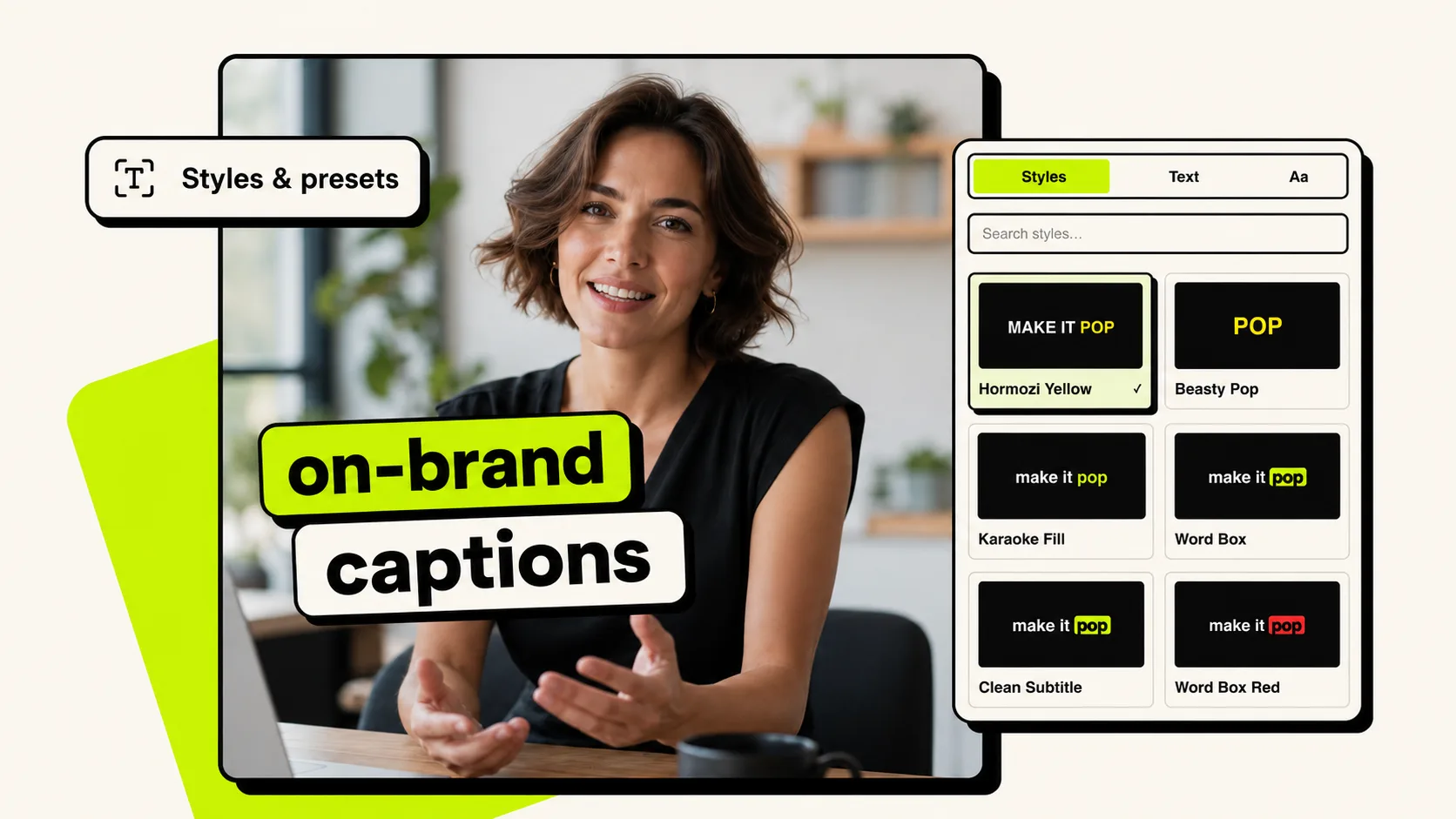
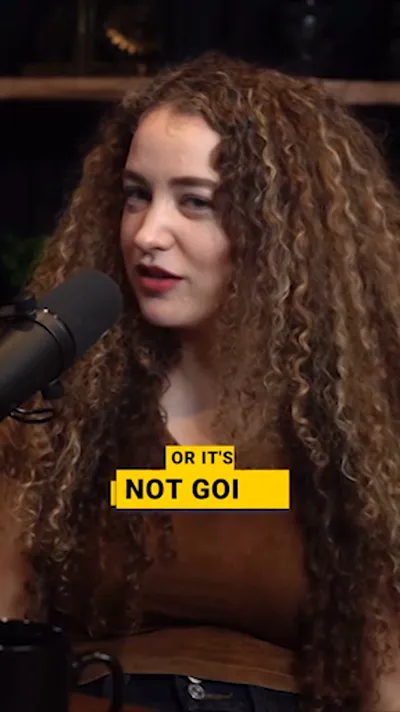
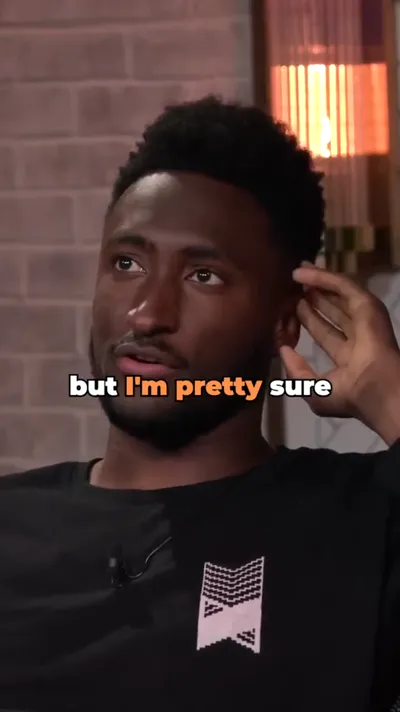
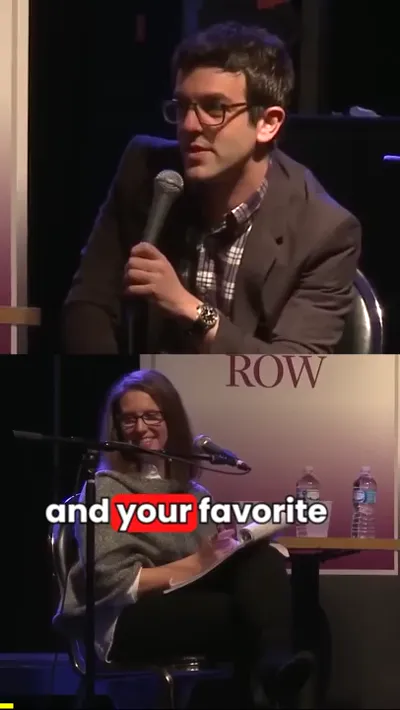
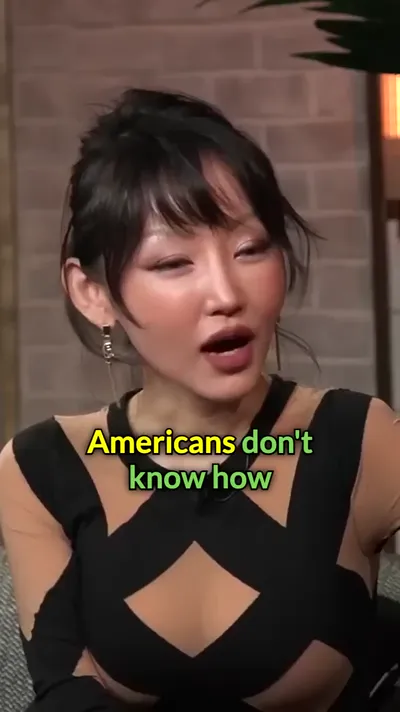
Caption like Alex Hormozi, MrBeast, or Ali Abdaal. The animated caption styles creators actually use on TikTok, Reels, and Shorts. Pick one, see it on your video instantly, and change your mind as often as you like.
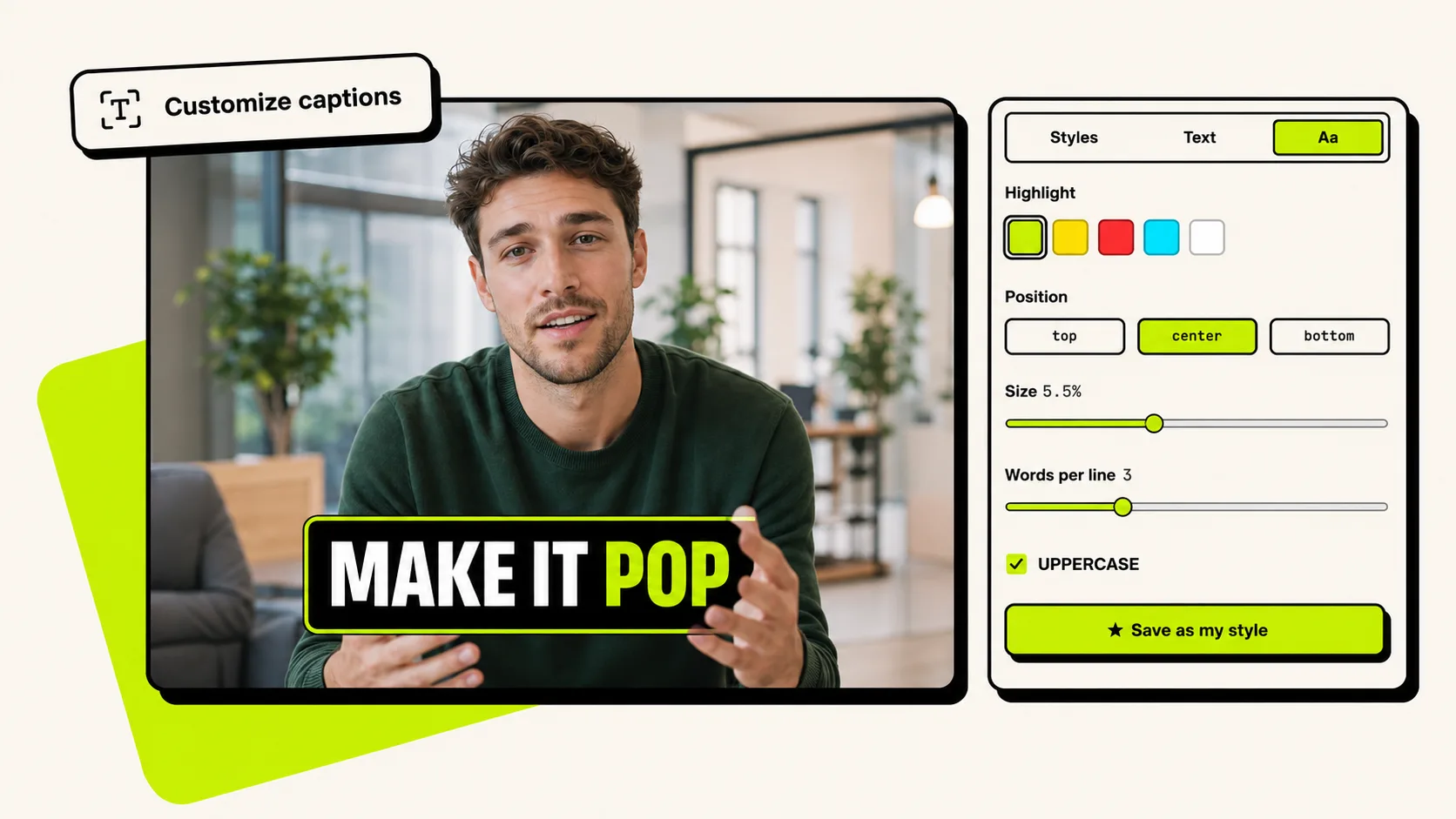
Highlight color, position, size, words per line, caps or not. Every setting the preset touches is yours to move, so your subtitles match your brand instead of the template everyone else is running.
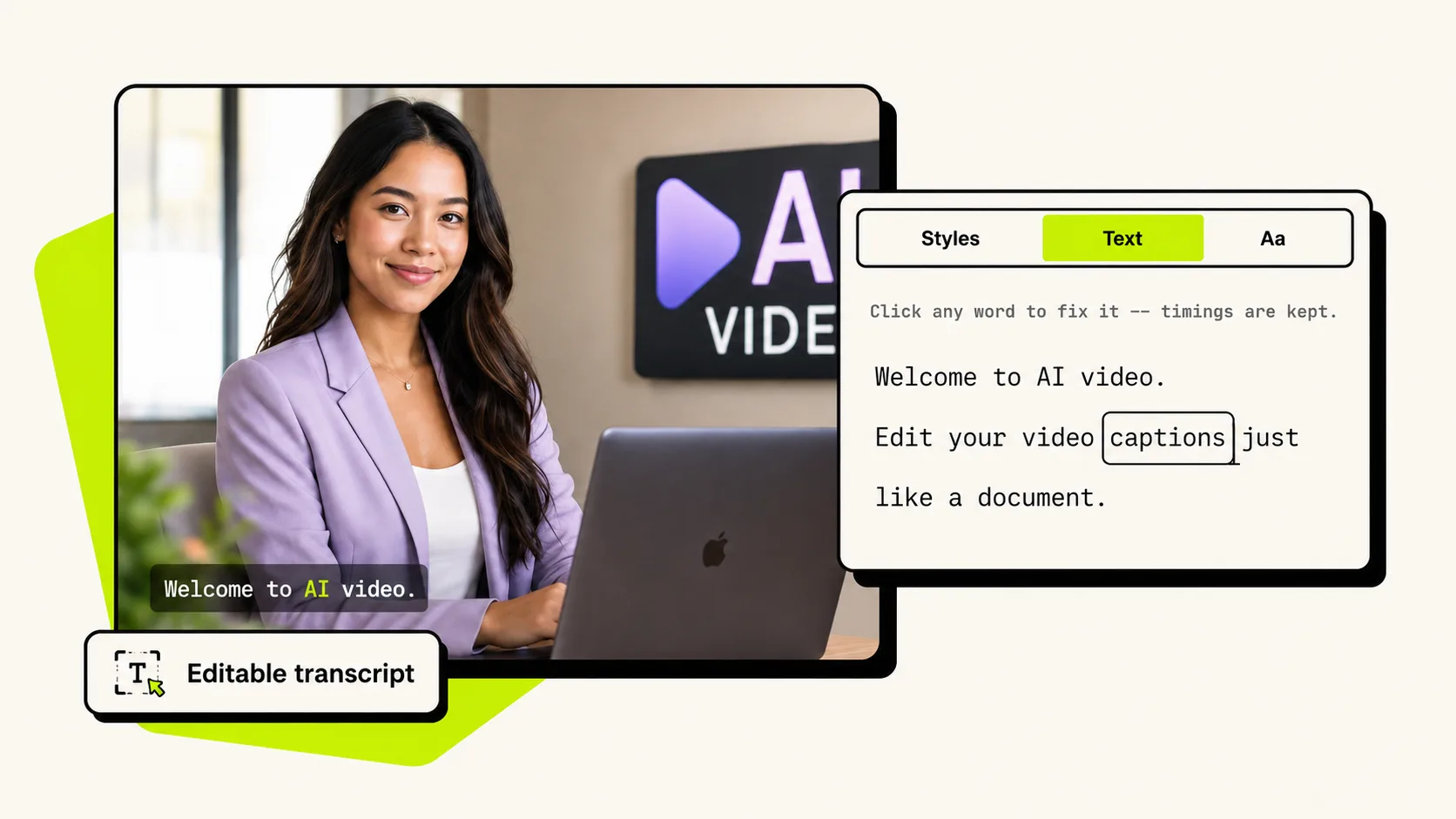
Auto-transcription gets names and jargon wrong. Click the word, type the fix, done. Timings stay locked to the audio, so nothing drifts and you never open a timeline.
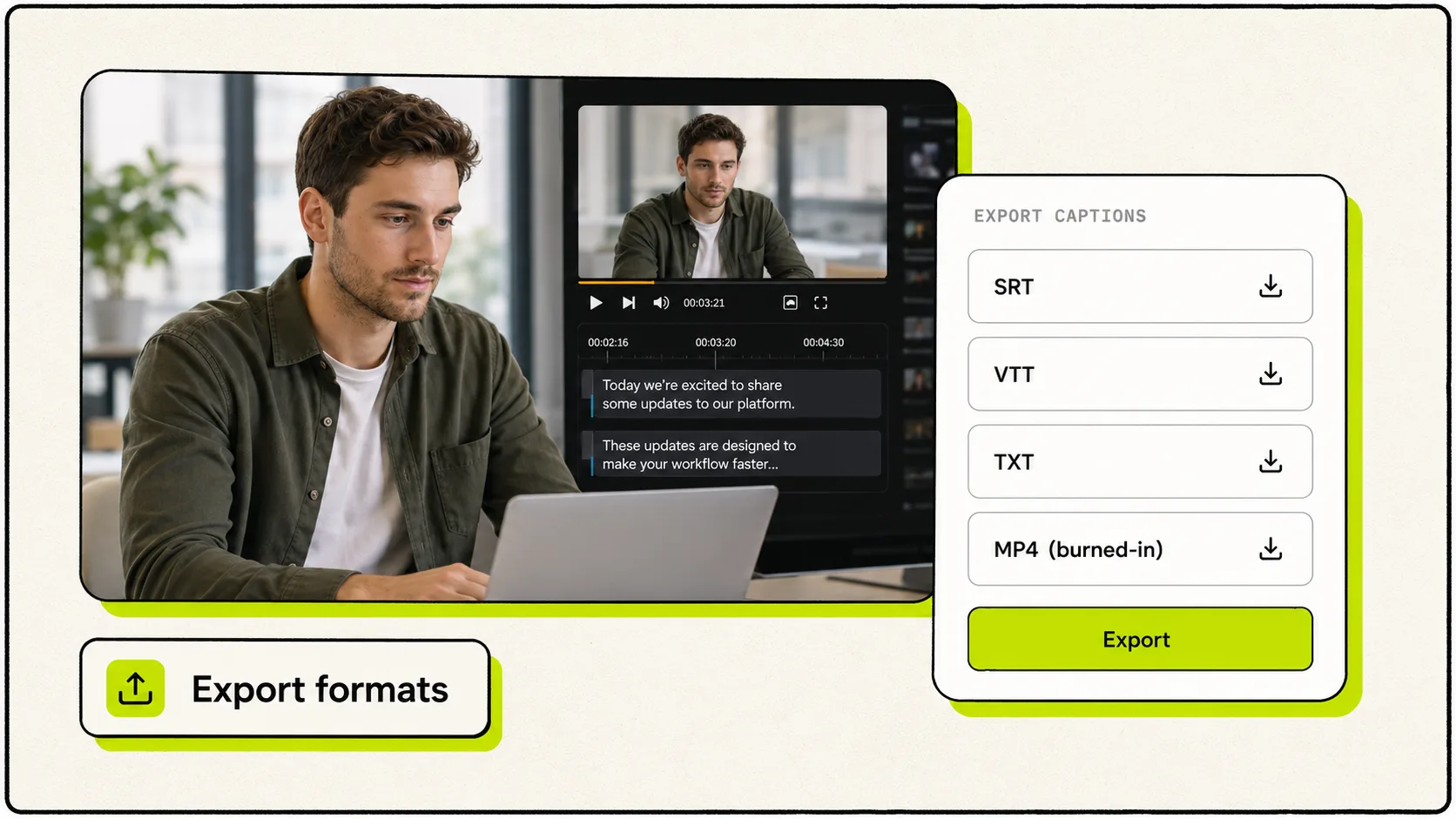
Burned-in MP4 for Shorts and Reels. SRT or VTT when the platform wants a sidecar file. TXT when you need the words for show notes or a blog post. Every format is included at the same price.
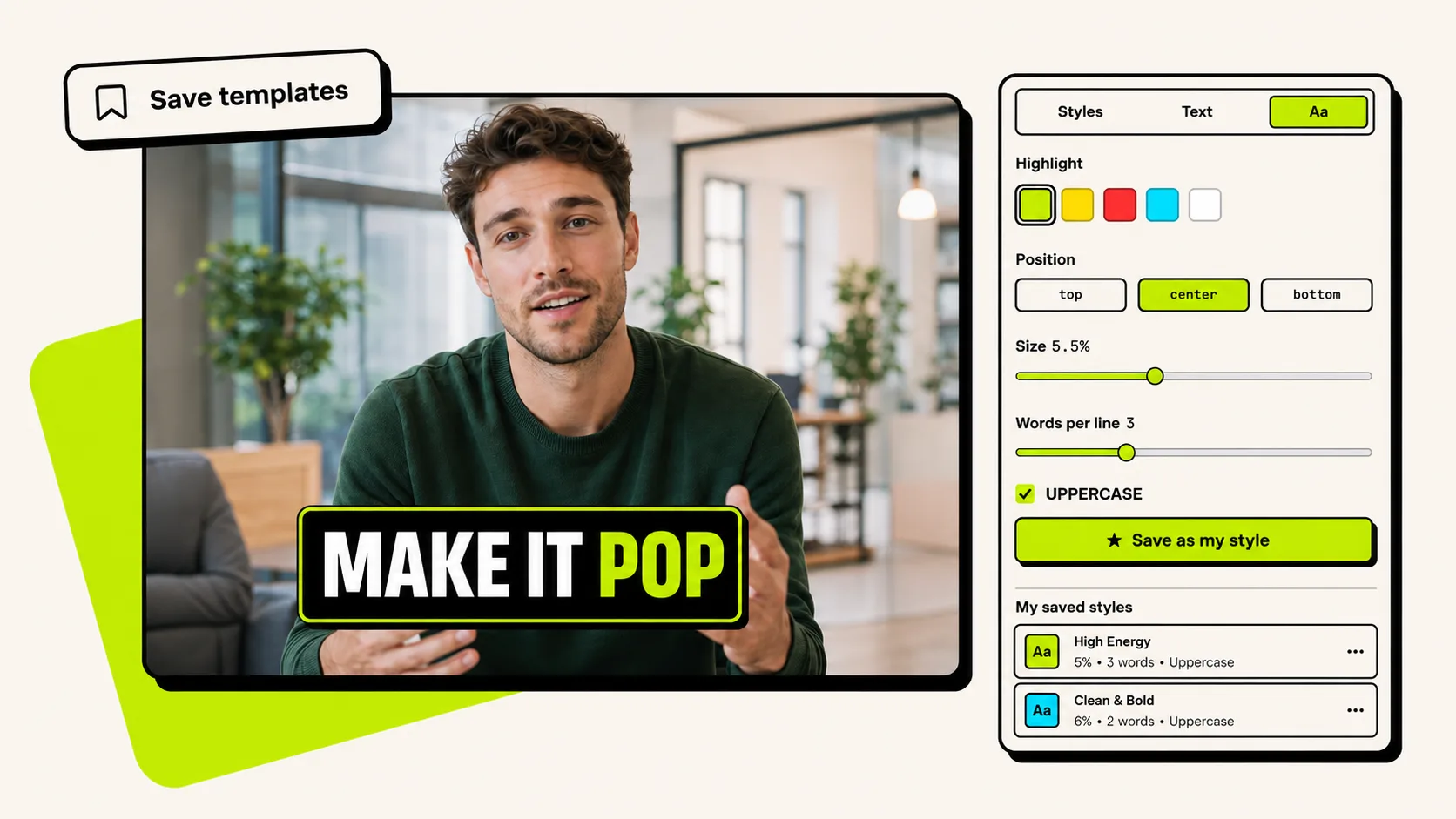
Get one video looking exactly right, then save it as your style. Every upload after that is one click to the same look. A template exists so you stop making the same decisions twice.
Generate captions like your favorite creators
The signature caption styles top creators use on TikTok, Reels, and Shorts. Pick a look and we'll show you how to get it.
Why captions matter
Captions are not an afterthought. They are what makes short-form video actually perform.
Watched on mute
A large share of feed video is consumed without sound, so captions keep your message clear in silent playback.
More views in the first 2 weeks
Captioned videos can earn stronger early performance and better visibility after publishing.
More lifetime views
Captions can keep improving a video’s reach over time, not just on launch day.
Faster workflow to caption your video
Generate and edit subtitles in minutes instead of doing it manually.
One price. $10 at a time.
$10 = 200 credits = 200 minutes. 1 credit = 1 minute = 5¢. Buy as many as you want. Credits never expire.
How much will my video cost?
30 credits · covered by 1 × $10 recharge
First 5 minutes are free.
credits never expire · no subscription · no auto-charge · no file limits · auto-deleted after 7 days · never used for training
Frequently asked questions about captioning
How do I add captions to a video?
Upload your video and CentClip transcribes it automatically. Pick an animated caption style, fix any word in the transcript editor, and export. Everything runs in your browser, so there is no timeline to learn and nothing to install.
Is there a subscription?
No. CentClip is pay-as-you-go at 5¢ a minute, with no monthly plan, no auto-charge, and nothing to cancel. You buy credits once, they never expire, and you only pay for the minutes you caption.
Is there a watermark on exported videos?
No. Every video you export from CentClip is clean and watermark-free, including the first 5 minutes that are free on a new account.
Are the captions accurate, and can I edit them?
Auto-transcription is fast and accurate on clear audio. You can click any word to fix it in the transcript editor, which is useful for names, brands, and jargon, and the timings stay locked to the audio so nothing drifts out of sync.
Can I add TikTok, Reels, and YouTube Shorts-style captions?
Yes. CentClip has the animated caption styles creators use on short-form video, including word-by-word, karaoke, and Hormozi-style highlights. Your export always keeps the same aspect ratio as your upload, so your video is never cropped or reframed.
What can I upload, and what formats can I export?
You can upload any video file by drag-and-drop or by recording one. Export it as an SRT, VTT, or TXT file, or as a burned-in MP4, with every format included in the price. Audio-only files are not supported, since a video track is required.
Do I need to download or install any software?
No. CentClip runs entirely in your browser and works on any device. There is nothing to download, install, or update.
Caption your next video for free.
5 free minutes, no credit card. Pay 5¢ a minute only when you export.
Try For Free →